


 iPhone · HDNew
Coast
Pacific Cove
Turquoise sea · tropical cliffs
1440 × 3120 · JPGDiscover original wallpapers for iPhone and Mac. From bright mountain mornings to moody abstract colors—find a backdrop you’ll love seeing every day.
Choose a device, discover fresh designs, and download the image that fits your screen.
iPhone · HDNew
Turquoise sea · tropical cliffs
1440 × 3120 · JPG iPhone · HDNew
Pastel pink · silky glow
1440 × 3120 · JPG iPhone · HDNew
Blue nebula · colorful stars
1440 × 3120 · JPG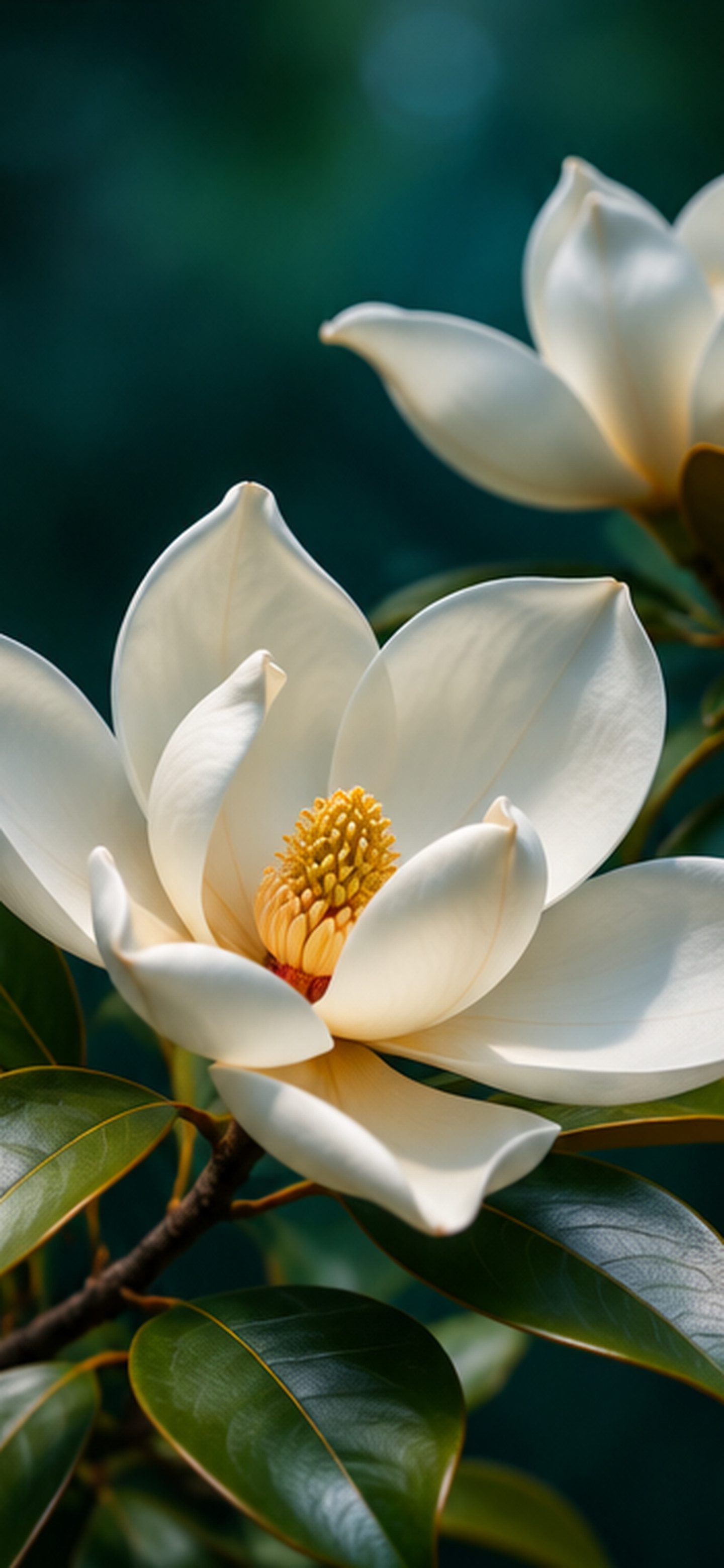 iPhone · HDNew
White flower · deep green
1440 × 3120 · JPG Mac · HDNew
Misty evergreen mountains
3840 × 2400 · JPG Mac · HDNew
Ocean horizon · warm sunset
3840 × 2400 · JPG Mac · HDNew
Neon ribbons · deep navy
3840 × 2400 · JPG Mac · HDNew
Eclipse · starry night
3840 × 2400 · JPG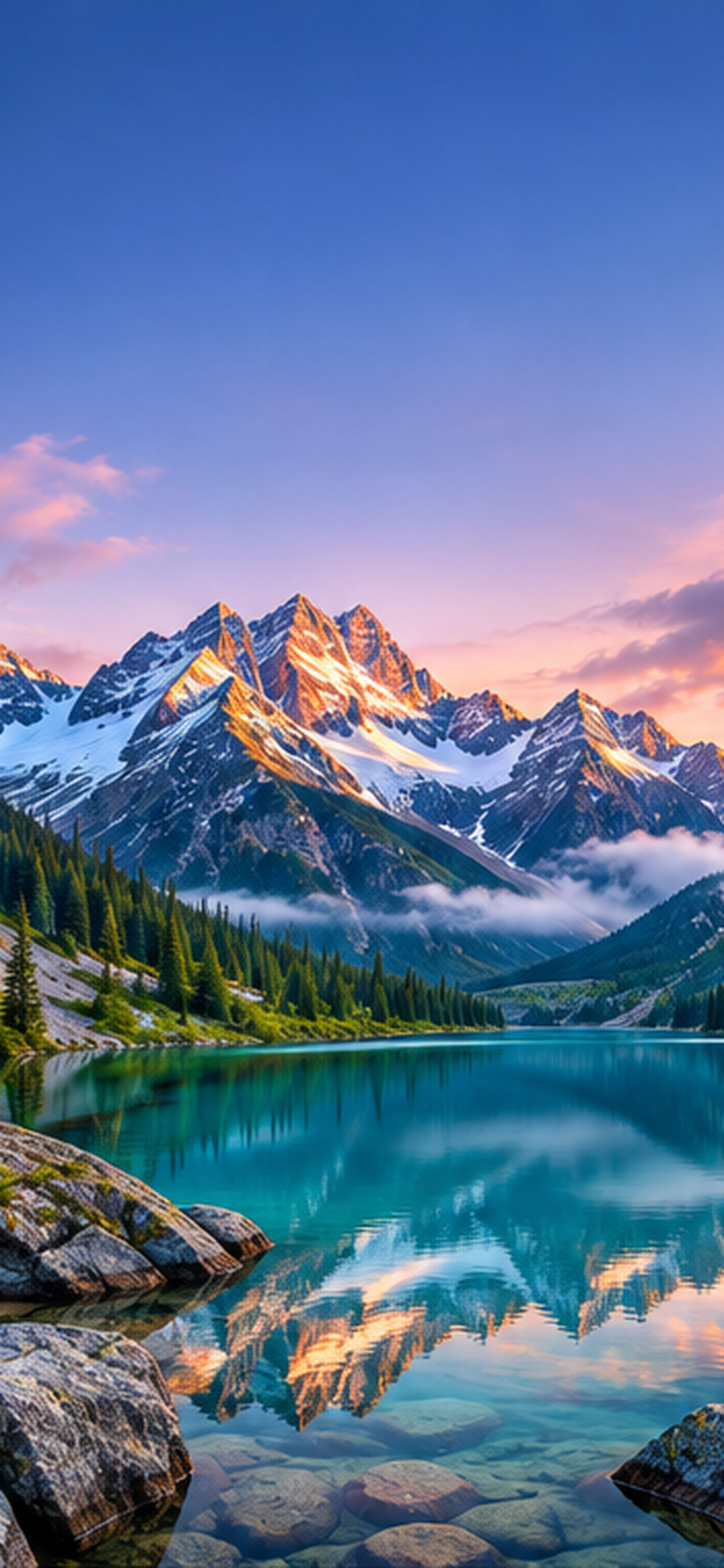 iPhone · HD
Mountain sunrise · teal lake
1440 × 3120 · JPG iPhone · HD
Electric blue · minimal
1440 × 3120 · JPG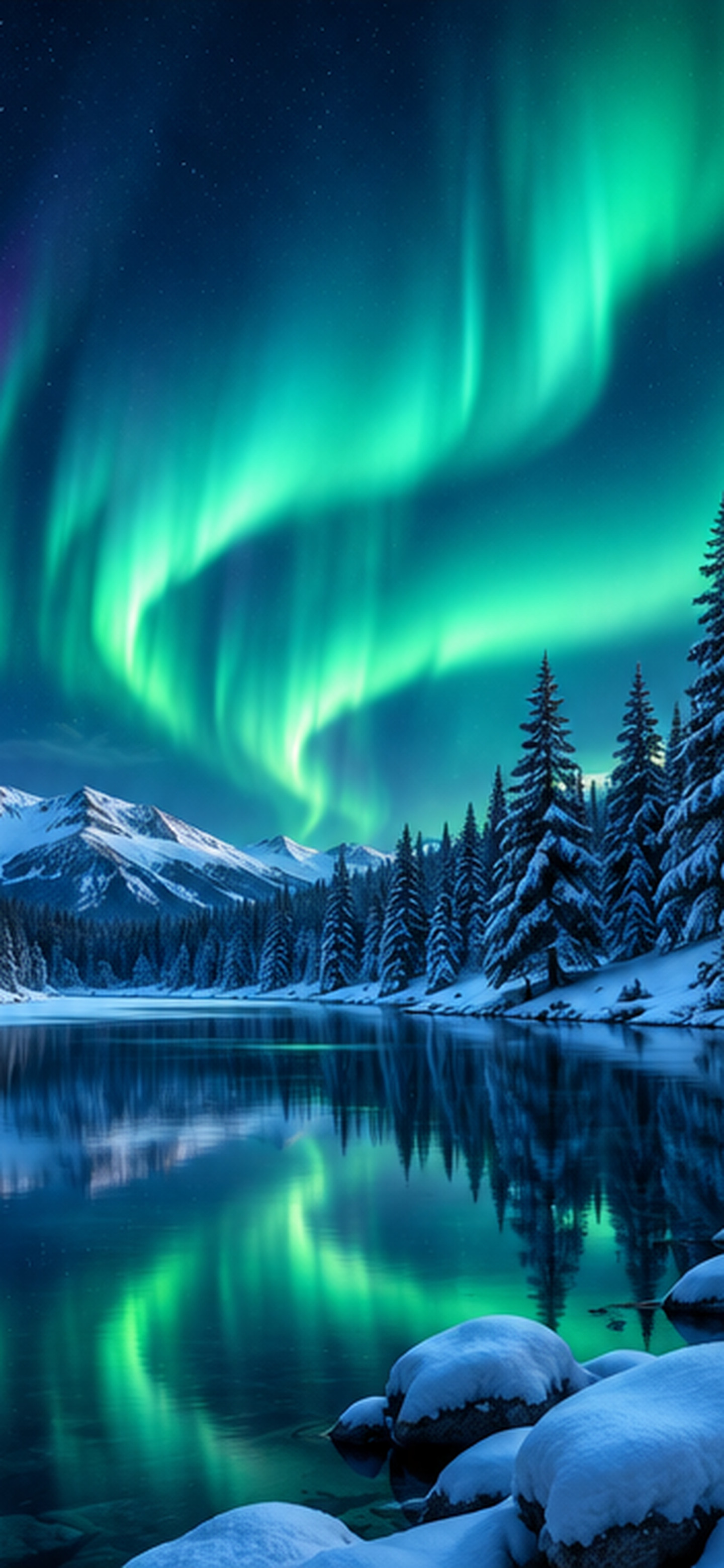 iPhone · HD
Northern lights · winter lake
1440 × 3120 · JPG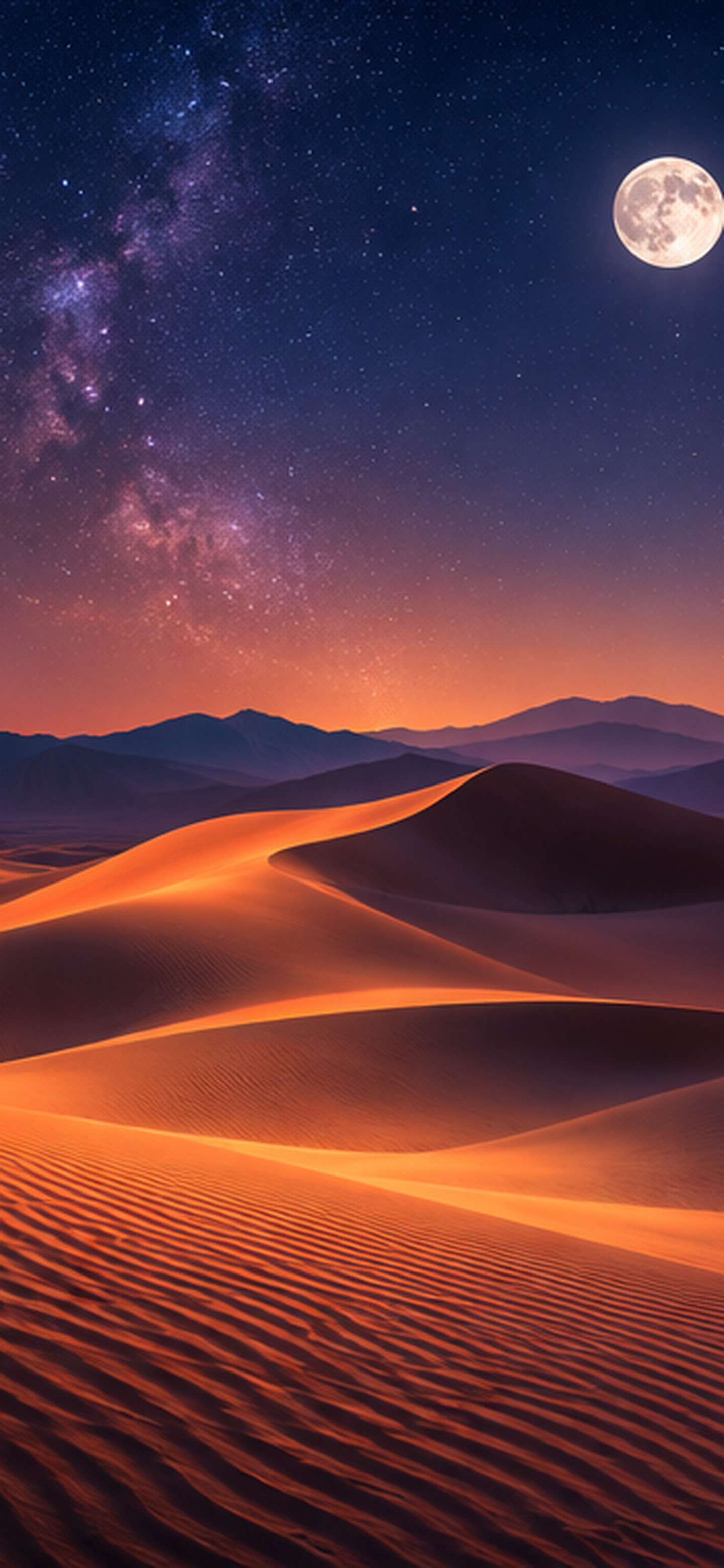 iPhone · HD
Desert · starry sky
1440 × 3120 · JPG iPhone · HD
Cool blue · gentle flow
1440 × 3120 · JPG iPhone · HD
Rose gold · soft glow
1440 × 3120 · JPG Mac · HD
Deep blue · luminous silk
3840 × 2400 · JPG Mac · HD
Blush · evening light
3840 × 2400 · JPG Mac · HD
Jade · deep water
3840 × 2400 · JPG Mac · HD
Warm sunset · abstract dunes
3840 × 2400 · JPGNo wallpapers match that search. Try a different keyword or select All wallpapers.
Choose a design and tap Download. On iPhone, if the image opens instead of saving, touch and hold it and choose Save to Photos.
Open Settings → Wallpaper → Add New Wallpaper → Photos. Choose the downloaded image, adjust its placement, then tap Add.
Apple’s iPhone wallpaper guide ↗Save the image, open System Settings → Wallpaper, and choose a picture. You can also right-click a saved image in Finder and choose Set Desktop Picture when available.
Apple’s Mac wallpaper guide ↗