
Best iPhone Fitness and Health Apps Worth Trying
If your iPhone is already with you at the gym, on a walk, or at your desk, the right health app can make it easier to stay consistent without adding…
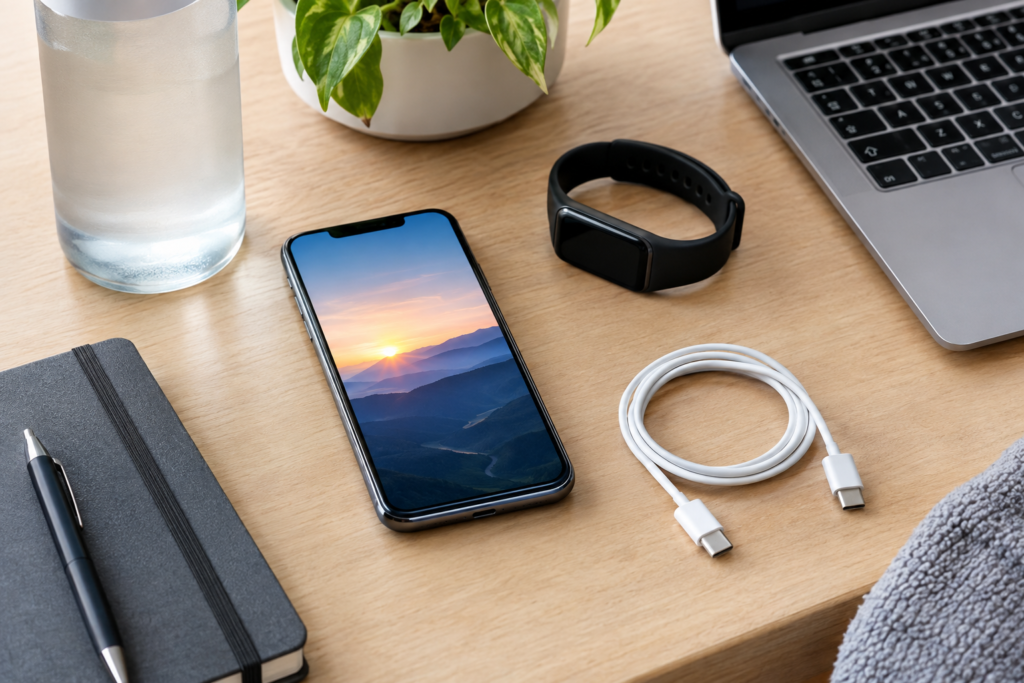
If your iPhone is already with you at the gym, on a walk, or at your desk, the right health app can make it easier to stay consistent without adding extra hassle. The best fitness and health apps do not need to be flashy. They should help you track progress, build better habits, and fit into real life in a way that feels simple and private.
Whether you are trying to move more, sleep better, manage stress, or keep an eye on daily activity, iPhone apps can be a practical support tool. The key is choosing apps that match your routine, your comfort level, and your privacy preferences. If you are setting up a new iPhone, switching devices, or troubleshooting app issues, it also helps to have a clear plan before you start.
What to look for in a good health app
The best app for one person may be a poor fit for another. Before downloading anything, think about what you actually want the app to do. A good fitness or health app should save time, reduce friction, and give you information you can use without making the process feel complicated.
- Simple setup: You should be able to get started quickly without a long learning curve.
- Clear goals: The app should help you track something specific, such as steps, workouts, water intake, sleep, or mindfulness.
- Privacy controls: Look for apps that explain what data they collect and let you limit sharing where possible.
- Apple Health integration: Many useful apps can connect with Apple Health so your data stays more organized.
- Useful reminders: Gentle prompts can help, but constant notifications can become distracting.
- Low battery impact: Apps that use location or background tracking should be worth the tradeoff.
If you are helping a family member, employee, or client choose an app, keep the setup as simple as possible. Too many features can make a helpful tool feel overwhelming.
Fitness apps that are worth a closer look
Fitness apps can help with movement, workouts, and accountability. The best ones are easy to use and flexible enough for different routines, whether you exercise at home, at a gym, or during a busy workday.
Apple Fitness and Apple Health
For many iPhone users, Apple’s built-in health tools are a strong starting point. Apple Health can collect information from compatible apps and devices in one place, which makes it easier to review trends over time. Apple Fitness can also be useful if you want guided workouts and simple activity tracking.
These tools are especially helpful if you want a cleaner setup without juggling too many separate apps. They are also a good choice if you prefer to keep your health data within the Apple ecosystem.
Strava
Strava is popular with runners, cyclists, and people who like seeing route and performance data. It can be motivating if you enjoy tracking distance, pace, and progress over time. It also has a social side, though you can adjust privacy settings to keep your activity more private.
If you commute by bike, walk regularly, or want a simple way to review outdoor workouts, Strava can be a practical option.
Nike Training Club
Nike Training Club offers a wide range of workouts, from strength training to mobility and recovery sessions. It can work well for people who want guided workouts without building a custom plan from scratch.
This kind of app is useful for home users, busy parents, and business owners who need short sessions that fit between meetings or errands. Short workouts are often easier to maintain than ambitious plans that are hard to follow.
Fitbod
Fitbod is designed for strength training and can help suggest workouts based on your available equipment and previous sessions. That makes it a good fit for people who lift weights and want a more structured approach.
If you use a home gym, apartment gym, or a commercial gym with limited time, this kind of app can help you stay organized. It is still important to listen to your body and adjust workouts when needed.
Health and wellness apps that support daily routines
Not every useful app is about exercise. Some of the most valuable health apps help with sleep, hydration, stress, and daily habits. These smaller routines often have a bigger effect than people expect.
WaterMinder
Hydration apps like WaterMinder can help you remember to drink water throughout the day. That may sound simple, but it is easy to forget when you are busy, traveling, or working long hours.
For homeowners managing a full schedule or business owners moving between tasks, a quick reminder can be more useful than trying to remember everything manually.
Headspace or Calm
Mindfulness apps such as Headspace or Calm can be helpful if you want short breathing exercises, guided meditations, or sleep support. These apps are not a replacement for medical care, but they can be a practical part of a stress-management routine.
If you are new to meditation, choose a version that keeps the first steps easy. A few minutes a day is often more realistic than trying to follow a long session right away.
Sleep Cycle
Sleep tracking apps can help you notice patterns in your sleep habits. Sleep Cycle is one example that many people use to review sleep timing and wake-up trends. Results can vary, so it is best to treat the data as a rough guide rather than a diagnosis.
If poor sleep is becoming a regular issue, an app may help you spot habits worth changing, but it should not replace professional advice when needed.
How to choose apps that respect your privacy
Health data is personal. Before you install any fitness or wellness app, take a few minutes to review what it asks for and how it handles your information. A privacy-first approach is especially important if the app uses location, contacts, photos, or background tracking.
- Check permissions: Only allow access that the app truly needs.
- Review privacy settings: Look for options to limit sharing, social features, and ad tracking.
- Read the App Store summary: Apple provides privacy labels that can help you compare apps more easily.
- Turn off unnecessary notifications: Fewer alerts can make the app more useful and less distracting.
- Use a strong device passcode: Your health data deserves the same protection as your other personal information.
If you are helping a parent, employee, or client set up an app, it is a good idea to walk through the privacy settings together. That small step can prevent confusion later.
Tips for homeowners and business owners using iPhone health apps
Health apps are not just for athletes. They can be useful for homeowners balancing family routines and for business owners trying to stay healthy during long workdays. The trick is making the app fit your schedule instead of the other way around.
For homeowners
If your day is packed with school runs, errands, chores, and family responsibilities, choose apps that are quick to check and easy to maintain. A step tracker, hydration reminder, or short workout app may be more realistic than a complicated training platform.
Try to connect the app to a routine you already have. For example, you might review your activity after breakfast, log water during lunch, or do a short workout before dinner. Small habits are easier to keep going.
For business owners
Business owners often deal with long hours, travel, and irregular schedules. In that environment, health apps can help create a little structure. A simple movement reminder, sleep tracker, or guided breathing app may be enough to support better daily habits.
If you manage a team, it is also worth remembering that wellness tools should stay optional and respectful. People have different comfort levels with health tracking, and privacy should always come first.
Common iPhone issues that can get in the way
Even a good app can feel frustrating if the iPhone itself is not cooperating. Problems like syncing errors, battery drain, storage limits, or notification issues can make health apps less reliable than they should be.
- App not syncing: Check whether Apple Health permissions are enabled and whether the app is allowed to update in the background.
- Storage running low: Delete unused apps, old media, or large downloads if your iPhone is nearly full.
- Battery draining quickly: Review background activity, location access, and screen time in the app.
- Notifications not showing: Confirm that alerts are allowed in iPhone settings and within the app itself.
- Data seems missing: Make sure the app is connected to the right account and that permissions were not changed after setup.
If you are moving to a new iPhone, updating iOS, or restoring from backup, it is smart to back up your device first. That way, your health and fitness data has a better chance of transferring cleanly.
When to get help with setup or troubleshooting
Some app problems are easy to fix. Others take a little more time, especially if you are dealing with account settings, sync issues, or a device that needs a reset. If you are not sure what to change, it is better to pause than to guess and risk losing data.
Before making major changes, back up your iPhone and review your app permissions. If you are unsure how to proceed, iPhoneXpert remote help can provide safe, practical guidance without the guesswork. You can also use the relevant iPhone help page if you want step-by-step support for app setup, syncing, storage, or privacy settings.
Health and fitness apps should make life easier, not more stressful. With the right setup, you can use your iPhone to support better habits in a way that feels simple, private, and realistic for everyday life.
Use iPhoneXpert tools before you spend money.
Compare repair, replacement, storage, security, buying, and remote-help options with practical tools built for everyday iPhone owners.
Reviewed for practical iPhone, Mac, and device-care guidance.
iPhoneXpert content is written to help readers make safer repair, buying, setup, storage, iCloud, and security decisions. Recommendations should prioritize fit, compatibility, safety, and value.
How this guide is maintained
This article is part of the iPhoneXpert reader guide library. We review practical repair, protection, buying, and troubleshooting pages for clarity and usefulness as devices, software, and repair choices change.
Need help deciding what to do?
Compare repair costs, replacement value, data risk, and urgency before you spend money.
Repair or replace?