
Best iPhone Travel Accessories for Safer Trips
Travel is easier when your iPhone is ready for the real-world problems that come with airports, hotels, rideshares, long days out, and unfamiliar places.…
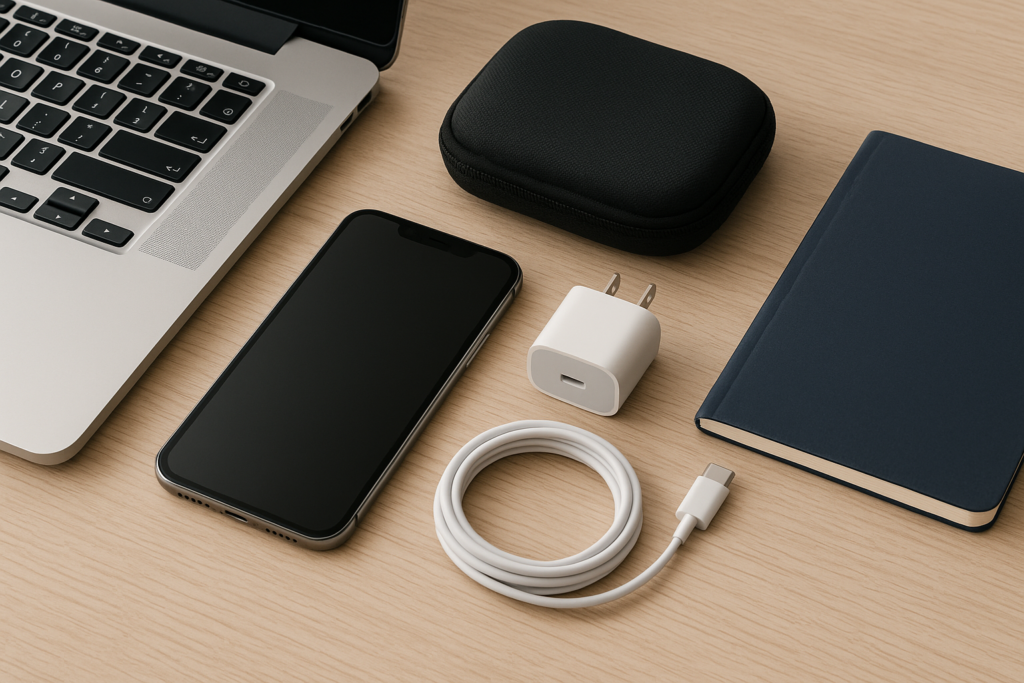
This guide focuses on practical iPhone travel gear that supports safer trips without overcomplicating your packing list. It also includes simple tips for homeowners, business owners, and anyone traveling locally or out of town who wants to avoid common phone problems before they become stressful. If you are planning a trip, it is also a good time to back up your iPhone and review your settings before you leave.
Why iPhone travel accessories matter
Most travel phone problems are not dramatic. They are usually small issues that create bigger headaches at the wrong time: a dead battery before your ride arrives, a cracked screen after a drop, a lost phone in a crowded place, or a charging cable that fails when you need it most. The right accessories help reduce those risks.
Good travel gear can also support privacy and security. For example, a strong case and screen protector can reduce damage from drops, while a portable charger can keep you from borrowing random cables or plugging into unfamiliar public charging stations. A tracking accessory or a secure bag can also make it easier to keep your device close and accounted for.
Start with the essentials: protection and power
If you only buy a few accessories, start with the basics that protect your iPhone and keep it running through the day. These are the items most travelers use often and notice the most when they are missing.
A durable case with real drop protection
A travel case should do more than look good. Choose one with raised edges around the screen and camera, a grippy finish, and enough structure to absorb everyday bumps. If you are moving through airports, train stations, theme parks, or busy city streets, your phone is more likely to slip from a hand, pocket, or bag than it is at home.
For business travelers, a slim but protective case is often the best balance. It should fit easily in a pocket or laptop bag while still helping protect the phone during meetings, commutes, and hotel check-ins. For family trips, a more rugged case may be worth it if kids are handling the phone for photos, maps, or entertainment.
A screen protector for scratches and cracks
A tempered glass screen protector can help reduce damage from keys, sand, zippers, and small drops. It is not a guarantee against cracks, but it can add a useful layer of protection during travel. If you use your phone often for navigation or tickets, a clean screen also makes the display easier to read in bright light.
Before applying a new protector, clean the screen carefully and install it in a dust-free area. If your current screen is already damaged, consider getting it checked before your trip so you are not traveling with a problem that could get worse.
A reliable power bank
A portable charger is one of the most useful iPhone travel accessories. It helps when you are away from outlets for long periods, especially during flights, long drives, sightseeing days, or work events. Look for a power bank that is compact, approved for travel, and large enough to give your iPhone at least one full charge.
For safer trips, keep the power bank in your carry-on or day bag rather than buried in checked luggage. If you travel often for work, choose one with enough output to charge quickly and a built-in cable or multiple ports. That can save time when you are moving between meetings or locations.
Travel accessories that help keep your iPhone secure
Phone theft and accidental loss are common travel concerns, especially in crowded places. The goal is not to make your phone impossible to use. The goal is to make it harder to misplace, easier to notice, and less tempting to thieves.
A crossbody strap, wrist strap, or secure phone lanyard
If you use your phone often while walking through airports, markets, tourist areas, or event spaces, a strap can reduce the chance of dropping it or setting it down by mistake. A secure strap is especially helpful when you are juggling luggage, coffee, tickets, or a child’s hand at the same time.
Choose a strap that attaches securely to a case designed for it. Avoid anything that feels flimsy or easy to detach. The best option is one that keeps the phone accessible without making it awkward to use.
A small anti-theft bag or zippered pouch
A zippered pouch or anti-theft bag can help keep your iPhone and accessories together in one place. This is useful for travelers who move between hotels, rental cars, meetings, and public transit. It also helps reduce the chance of leaving your phone on a table, in a seat pocket, or in a rental car.
Business owners and employees traveling with work devices should consider keeping chargers, cables, and backup batteries in a dedicated pouch. That makes packing easier and lowers the risk of forgetting something important in a hotel room or conference space.
Find My setup and a backup plan
While not a physical accessory, your tracking and recovery settings are part of travel safety. Make sure Find My is enabled before you leave, and test that you can locate your device from another trusted device. Also consider writing down your device details and keeping them separate from your phone.
For privacy and security, avoid sharing account passwords or verification codes with anyone who says they can help recover a lost phone. If you need support, use trusted channels only.
Useful accessories for charging on the go
Charging problems are one of the most common travel frustrations. The right accessories can reduce downtime and help you avoid risky workarounds, like using random public chargers or low-quality cables.
A short, durable charging cable
Pack a cable that is strong enough for daily use and short enough to manage easily in a bag or car. Long, tangled cables are annoying when you are on the move. A shorter cable can be more practical for airports, hotel desks, and portable battery packs.
If you travel for work, keep a spare cable in your laptop bag so you are not dependent on one cable for everything. That small backup can save time when you are rushing between locations.
A compact wall charger with the right ports
A small wall charger with the correct output can be more useful than a bulky multi-port brick you never want to carry. If you travel with a second device, such as AirPods or an iPad, a charger with multiple ports may be worth it. Otherwise, a simple compact charger can be easier to pack and less likely to be forgotten.
For hotel stays, check whether the room has enough accessible outlets near the bed or desk. If not, a compact charger and a short cable can make a big difference in convenience.
Accessories that support safer travel habits
The best travel accessories work best when paired with a few simple habits. These habits are especially important for homeowners, business owners, and anyone who depends on their iPhone for daily routines, client communication, or family coordination.
Keep a backup of important data before you leave
Before a trip, back up your iPhone so you are not relying on one device for everything. This is especially important if your phone stores work contacts, travel documents, photos, or family information. A backup can make it easier to recover your data if your phone is lost, damaged, or replaced while you are away.
If you are traveling for business, make sure your key files and contacts are available through secure, approved services rather than only on your phone. If you are traveling with family, confirm that important numbers and reservation details are accessible to more than one person.
Use privacy settings before connecting to public Wi-Fi
Travel often means using hotel, airport, café, or event Wi-Fi. Before you connect, review your sharing and location settings so your phone is not exposing more information than necessary. Keep software updated, use strong passcodes, and be cautious with unfamiliar login pages or pop-ups.
Accessories cannot replace good security habits. A phone case may protect against drops, but your settings protect your information. If something looks suspicious, do not rush to enter account details or tap through warnings without checking carefully.
Store emergency contacts and travel details in more than one place
Keep a paper copy or separate digital copy of important travel details, including emergency contacts, hotel information, and reservation numbers. If your iPhone battery dies or the phone is unavailable, you will still have access to what you need.
This is especially helpful for business owners and frequent travelers who may need quick access to client details, meeting locations, or transportation information without depending on one device alone.
Local relevance: travel gear for everyday trips and regional travel
Not every trip is international. Many people need iPhone travel accessories for local driving, weekend getaways, business trips across the region, or day trips to nearby cities. In those situations, the same basics still matter: protection, power, and easy access.
If you are traveling around your local area, a compact charger, a secure case, and a dependable car mount may be enough. If you are flying out of a nearby airport or taking a long road trip, a power bank and backup cable become even more important. For families and small business owners, local travel often means carrying work and personal needs together, so a simple, organized setup can prevent lost items and last-minute stress.
At iPhoneXpert, we often hear from people who want practical help before a trip, after a drop, or when a phone starts acting up at the worst possible time. A little preparation can make travel smoother, especially when your iPhone is part of how you navigate, communicate, and stay organized.
When to get help before you travel
If your iPhone already has a weak battery, a cracked screen, charging issues, storage problems, or unreliable Wi-Fi or Bluetooth, it is smart to address those issues before you leave. Travel tends to expose small problems quickly. A phone that seems “mostly fine” at home can become a major inconvenience once you are away from your usual charger, repair options, or backup devices.
It is also a good idea to get help if you are unsure about backup settings, Find My, account security, or how to prepare a phone for a family trip or business trip. That kind of setup can save time later and reduce the chance of avoidable mistakes.
If you want safe, practical guidance, use iPhoneXpert remote help or the relevant iPhone help page. We can help you think through the right steps before you travel, including backup planning, device checks, and privacy-first setup advice. If you are already dealing with a phone issue, reach out before the problem gets in the way of your trip.
Final checklist for safer iPhone travel
- Use a protective case with a good grip
- Install a screen protector if your phone needs extra scratch protection
- Pack a reliable power bank and charging cable
- Bring a compact wall charger for hotels, airports, and work trips
- Consider a strap, pouch, or secure bag to reduce loss and theft risk
- Back up your iPhone before you leave
- Review Find My, passcode, and privacy settings
- Keep emergency contacts and travel details in more than one place
Travel accessories should make your phone easier to use, not harder to manage. The best setup is simple, dependable, and suited to the way you actually travel. If you want help choosing the right next step for your iPhone before a trip, iPhoneXpert is here with remote help and practical support you can trust.
Use iPhoneXpert tools before you spend money.
Compare repair, replacement, storage, security, buying, and remote-help options with practical tools built for everyday iPhone owners.
Reviewed for practical iPhone, Mac, and device-care guidance.
iPhoneXpert content is written to help readers make safer repair, buying, setup, storage, iCloud, and security decisions. Recommendations should prioritize fit, compatibility, safety, and value.
How this guide is maintained
This article is part of the iPhoneXpert reader guide library. We review practical repair, protection, buying, and troubleshooting pages for clarity and usefulness as devices, software, and repair choices change.
Need help deciding what to do?
Compare repair costs, replacement value, data risk, and urgency before you spend money.
Repair or replace?