
Best USB-C Cables for iPhone: What Actually Matters
If your iPhone charges slowly, gets warm, or seems picky about certain cables, the problem is often not the phone itself. The real difference usually…
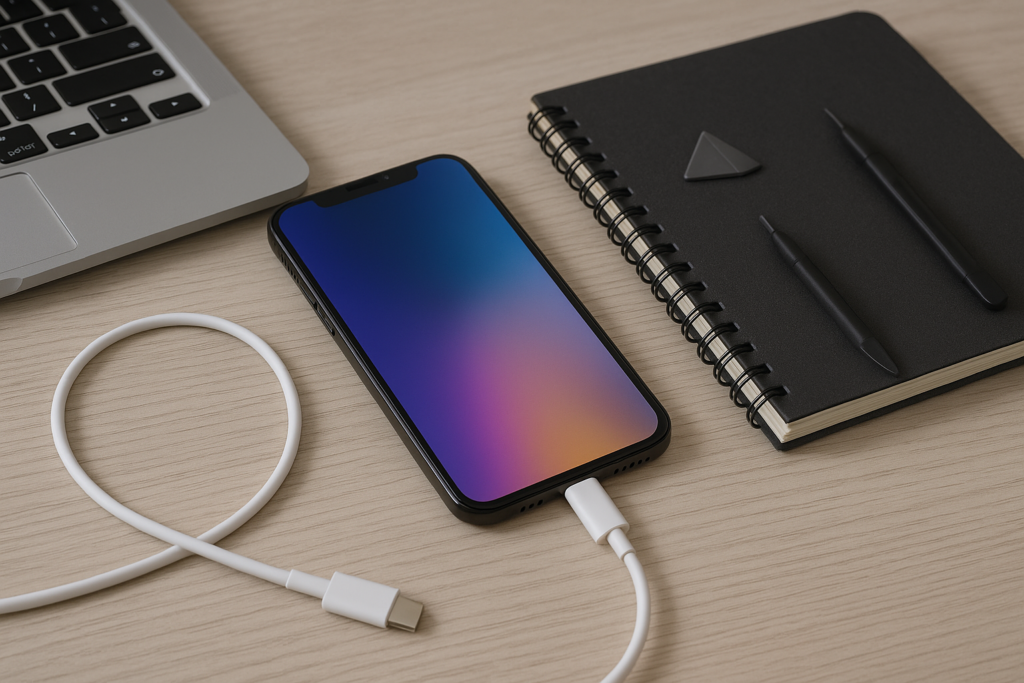
This guide breaks down what matters before you buy, how to avoid common mistakes, and what homeowners, office managers, and busy families should look for when replacing a cable. If you want practical help choosing the right setup for your iPhone, iPhoneXpert can help through remote support or the relevant iPhone help page.
What Makes a USB-C Cable Good for iPhone Use
Not all USB-C cables do the same job. Some are made for basic charging, some support faster charging, and some are built to handle data transfer, travel, or heavier daily use. For iPhone users, the most important thing is matching the cable to the charger and the phone model.
Here are the main things that actually matter:
- Charging speed support: A cable should support the power level your charger can deliver. A strong charger will not help much if the cable is weak.
- Build quality: Reinforced connectors, flexible outer jackets, and solid strain relief can help a cable last longer in daily use.
- Length: Short cables are handy for desks and car use. Longer cables are better for sofas, beds, and shared charging spots.
- Data support: If you move photos, videos, or backups between devices, data speed matters more than many buyers realize.
- Certification and compatibility: Look for cables that clearly state what they support instead of vague claims.
A cable does not need to be expensive to be useful, but it should be clearly labeled and designed for the kind of charging you do most often.
USB-C Cable Types iPhone Owners Should Know
When shopping for an iPhone cable, the wording can get confusing fast. Many listings use similar terms, but they do not always mean the same thing. Understanding the basics helps you avoid buying the wrong cable for your charger or your phone.
USB-C to USB-C
This is the most common choice for newer charging setups. One end plugs into a USB-C wall charger, power bank, or laptop, and the other end plugs into the iPhone. If you already use USB-C chargers around the house or office, this is usually the simplest option.
USB-A to USB-C
This type works with older charging bricks and some car chargers. It can still be useful, especially if you are replacing a cable for a backup charger or travel kit. Just keep in mind that an older USB-A charger may not charge as quickly as a newer USB-C power adapter.
Charging-only versus data-capable cables
Some cables are made mainly for charging. Others can also transfer data between your iPhone and a computer or accessory. If you only need to top up your battery, a charging-only cable may be fine. If you back up files, move photos, or connect to a computer often, choose a cable that clearly supports data transfer.
How to Choose the Right Cable for Fast Charging
Fast charging is one of the biggest reasons people upgrade their cable. But fast charging depends on the whole setup, not just the cable. You need a compatible cable, a suitable power adapter, and an iPhone model that supports the charging method.
To make the most of fast charging, check these points:
- Use a charger that matches the cable: A USB-C cable works best with a USB-C power adapter that can supply enough power.
- Check the cable rating: The cable should be clearly rated for the charging level you want.
- Watch for heat: A little warmth can happen during charging, but excessive heat is a sign to stop and check the setup.
- Avoid damaged cables: Frayed ends, loose connectors, or bent plugs can cause unreliable charging.
If your iPhone charges slowly even with a new cable, the issue may be the adapter, the outlet, the port, or the battery condition. A cable swap alone may not solve it.
What Homeowners and Business Owners Should Look For
People often buy cables for different environments, and that changes what matters most. A cable that works fine on a nightstand may not be the best choice for a reception desk, shared office, workshop, or family charging station.
For homeowners
At home, convenience usually matters most. A good cable should be long enough for where you charge, durable enough for daily use, and easy to identify so it does not get mixed up with other cords. If several people in the house use iPhones, it helps to keep a few cables in different rooms so devices are not constantly being moved around.
For business owners and office managers
In a workplace, reliability matters more than style. Shared cables should be sturdy, clearly labeled, and easy to replace. If employees or clients use charging stations, choose cables that can handle frequent plugging and unplugging. It is also smart to keep a few spare cables on hand so a worn cord does not interrupt the workday.
For businesses that support staff phones, field teams, or customer-facing devices, standardizing on a few approved cable types can reduce confusion and cut down on avoidable charging issues.
Common Cable Mistakes That Cause Problems
Many charging complaints are really cable problems in disguise. A cheap or mismatched cable can make a phone seem faulty when the real issue is the accessory.
- Buying by price alone: The cheapest cable is not always the best value if it fails quickly or charges inconsistently.
- Ignoring the charger: A strong cable cannot fix a weak or incompatible power adapter.
- Using worn cables too long: If the connector feels loose or the cable only works at certain angles, replace it.
- Choosing the wrong length: Very long cables can be convenient, but they may be less tidy and more likely to get damaged if they are constantly bent or pulled.
- Assuming all USB-C cables are equal: They are not. Some are better for charging, some for data, and some for both.
If your iPhone only charges when the cable is held a certain way, the port may need cleaning or inspection. Be careful not to use sharp objects in the charging port, since that can cause damage.
How to Tell If the Problem Is the Cable or the iPhone
Before replacing multiple accessories, it helps to test the setup in a simple way. This can save time and avoid unnecessary purchases.
- Try the cable with a different charger if you have one.
- Try a different cable with the same charger.
- Check whether the iPhone charges from another outlet or power source.
- Look for lint, dust, or debris in the charging port.
- Notice whether the phone charges slowly, intermittently, or not at all.
If the same cable fails with multiple chargers, the cable is likely the issue. If multiple cables fail with the same phone, the port, battery, or software may need attention. Back up your iPhone before making bigger changes, especially if you are planning repairs, resets, or data transfers.
What to Look For When Buying a Replacement Cable
When you are ready to replace a cable, focus on clear product details instead of marketing language. A useful listing should tell you what the cable supports and how it is meant to be used.
- Clear compatibility: The cable should state which devices and charging types it supports.
- Durable connectors: Reinforced ends can help reduce wear from daily plugging and unplugging.
- Appropriate length: Choose a length that fits your space without creating clutter.
- Data support if needed: If you sync with a computer, make sure the cable supports that use.
- Simple warranty or return policy: Helpful if the cable does not perform as expected.
For many iPhone users, the best choice is not the most advanced cable on the shelf. It is the one that fits the charger, lasts through daily use, and works without surprise issues.
When to Get Help Instead of Guessing
If your iPhone still charges poorly after trying a known-good cable and charger, there may be a deeper issue. That could include port debris, charging settings, battery wear, or a software problem. It is also worth getting help if you are managing multiple devices for a household or business and need a simple, safe setup that works consistently.
iPhoneXpert offers remote help for practical iPhone guidance, including charging questions, cable selection, and troubleshooting steps that protect your data and privacy. If you want help choosing the right cable or figuring out why your iPhone is not charging the way it should, use iPhoneXpert remote help or the relevant iPhone help page for safe, straightforward support.
Choosing the right USB-C cable does not have to be complicated. Focus on compatibility, build quality, and the way you actually use your phone. A good cable should fit your charger, support your daily routine, and reduce charging headaches instead of creating them. If you want a second opinion before buying or replacing anything, iPhoneXpert is here to help with practical, privacy-first guidance.
Use iPhoneXpert tools before you spend money.
Compare repair, replacement, storage, security, buying, and remote-help options with practical tools built for everyday iPhone owners.
Reviewed for practical iPhone, Mac, and device-care guidance.
iPhoneXpert content is written to help readers make safer repair, buying, setup, storage, iCloud, and security decisions. Recommendations should prioritize fit, compatibility, safety, and value.
How this guide is maintained
This article is part of the iPhoneXpert reader guide library. We review practical repair, protection, buying, and troubleshooting pages for clarity and usefulness as devices, software, and repair choices change.
Need help deciding what to do?
Compare repair costs, replacement value, data risk, and urgency before you spend money.
Repair or replace?