
iPhone Repair Guides
iPhone Repair Guides: What to Do When Your iPhone Screen Is Cracked, Unresponsive, or Needs Repair If your iPhone screen is cracked, the touch is not…
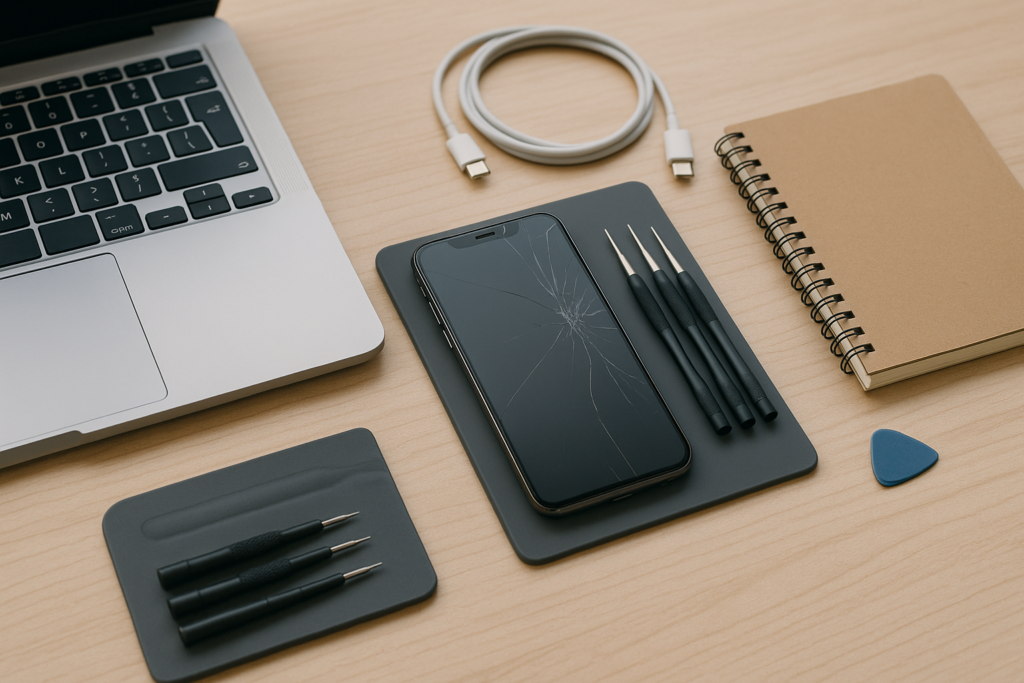
iPhone Repair Guides: What to Do When Your iPhone Screen Is Cracked, Unresponsive, or Needs Repair
If your iPhone screen is cracked, the touch is not working, or the display is acting strangely, the first question is usually simple: should you keep using it, try a quick fix, or book a repair right away? For most people, the answer depends on how badly the screen is damaged and whether the phone is still safe to use.
This guide walks you through the most common iPhone screen problems, what you can safely check at home, when a screen replacement may be the right next step, and how iPhoneXpert can help with practical remote support. If you rely on your phone for work, family, or business, acting early can help you avoid bigger issues later.
Start Here: What Kind of Screen Problem Are You Seeing?
Not every screen issue means the same repair. A cracked iPhone screen may still work fine for a while, while a phone with touch not working may need more urgent attention. Here are the most common situations:
- Cracked iPhone screen: Glass is broken, but the display may still show images and respond to touch.
- Touch not working: The screen lights up, but taps, swipes, or typing do not respond properly.
- Black screen or lines: The phone may turn on, but the display is blank, flickering, or showing colored lines.
- Loose or lifting screen: The screen appears separated from the frame, which can happen after a drop or battery swelling.
If you are not sure which issue you have, take a moment to note what still works. Does the phone ring? Does Face ID work? Can you hear notifications? These details help narrow down whether you are dealing with a screen-only issue or something more involved.
What You Can Safely Check Before Booking a Repair
Before you arrange an iphone screen repair, there are a few simple checks you can do at home. These steps are safe for most users and may help you rule out a minor software issue.
- Restart the iPhone: A quick restart can sometimes clear temporary glitches.
- Remove the case and screen protector: A damaged protector or tight case can occasionally affect touch response.
- Clean the screen gently: Use a soft, dry cloth to remove oil, dust, or moisture.
- Check for moisture: If the phone was exposed to water, avoid charging it and let it dry properly.
- Test touch in different areas: If only part of the screen responds, that is useful information for a technician.
Do not press hard on a cracked screen or try to pry it open. If the glass is badly broken, it can spread damage or create sharp edges. If the screen is lifting, stop using the phone until it is checked.
When a Cracked iPhone Screen Needs More Than a Quick Fix
A cracked iPhone screen is common, but the damage can go beyond the glass. Even if the phone still works, cracks can let in dust, moisture, and debris. Over time, that can affect the display, touch response, or internal components.
In practical terms, a screen replacement may be worth considering if:
- The crack is spreading across the display
- Touch is becoming less reliable
- There are black spots, lines, or flickering
- Glass is missing or sharp to the touch
- The phone has been dropped more than once and is getting worse
For homeowners, this often comes down to convenience and safety. For business owners, it may be about keeping a work phone usable for calls, messages, scheduling, and customer communication. A damaged screen can slow everything down, especially if the phone is used all day.
Touch Not Working? Common Causes and What They Mean
If your iPhone screen lights up but touch not working is the main issue, the cause may be simple or hardware-related. Sometimes a software freeze is to blame. Other times, the digitizer or display assembly has been damaged by impact, pressure, or moisture.
Here are a few signs that suggest the issue may be more than a temporary glitch:
- The problem started right after a drop
- Only part of the screen responds
- The screen works sometimes, then stops again
- There are visible cracks or display damage
- The phone has been exposed to water or heavy heat
If the phone is still responsive enough, back up your data as soon as possible. That is especially important before any repair or reset. A backup gives you a safer path if the issue gets worse or the phone needs further service.
Repair or Replace? How to Think About the Next Step
Many people ask whether they need a full screen replacement or if a smaller fix will do the job. The answer depends on what is damaged. If the glass is cracked but the display and touch still work normally, the repair may be straightforward. If the display is distorted, touch is failing, or the screen is separating from the frame, the repair may be more involved.
Cost is another factor. Before you decide, it helps to compare the repair against the age of the phone, its current condition, and how long you plan to keep it. If you want a better sense of what to expect, visit our repair pricing page here: /repair-costs/.
For many users, the decision is less about perfection and more about practicality. If the phone is still important to daily life, a repair can be the simplest way to keep using it. If the device has multiple issues, it may be worth getting guidance before making a final choice.
Homeowner and Business Owner Tips for Protecting Your iPhone
Whether you use your iPhone at home or for work, a few habits can help reduce the chance of repeat damage and make repairs less stressful.
For homeowners
- Use a case that fits properly and offers edge protection
- Keep the phone away from sinks, counters, and hard bathroom surfaces
- Back up photos, messages, and important files regularly
- Store the phone in a safe place when charging
For business owners
- Keep a backup phone or alternate contact method if the device is critical
- Save customer contacts and work notes in a secure, synced system
- Check screen damage early before it affects calls, bookings, or payments
- Use remote help when you need guidance without wasting time on guesswork
If your iPhone is part of your daily business routine, even a small screen issue can create delays. A cracked iPhone screen may seem minor at first, but if touch becomes unreliable, it can affect messages, calendar access, and customer follow-up.
How iPhoneXpert Remote Help Can Save Time
Not every screen problem needs immediate hands-on service. Sometimes you just need help figuring out what is happening, what to back up, and whether the phone is safe to keep using. That is where iPhoneXpert remote help can be useful.
Use our remote help request form when you want practical guidance before making a repair decision. We can help you think through the symptoms, the likely next steps, and whether you should move toward a repair or a different solution. If you are ready to get help, visit /remote-help/.
If you already know the phone needs attention, you can also start with our main iPhone help page here: /fix-my-iphone/.
What to Do Next If Your Screen Is Cracked or Unresponsive
If your iPhone screen is damaged, the safest next step is usually to back up your data, stop using the phone roughly, and get clear guidance before the problem gets worse. A screen issue can stay stable for a while, or it can change quickly after another drop, pressure, or moisture exposure.
Here is a simple action plan:
- Back up your iPhone if you still can
- Check whether the problem is glass, display, or touch related
- Avoid pressing on cracks or lifting edges
- Review repair options and pricing
- Use remote help if you want a calm, practical next step
At iPhoneXpert, we focus on clear guidance that helps you make a smart decision without pressure. If you need help with iphone screen repair, a cracked iPhone screen, screen replacement questions, or touch not working issues, use our remote help request form or visit the relevant iPhone help page. The sooner you check it, the easier it is to plan the next step with confidence.
Use iPhoneXpert tools before you spend money.
Compare repair, replacement, storage, security, buying, and remote-help options with practical tools built for everyday iPhone owners.
Reviewed for practical iPhone, Mac, and device-care guidance.
iPhoneXpert content is written to help readers make safer repair, buying, setup, storage, iCloud, and security decisions. Recommendations should prioritize fit, compatibility, safety, and value.
How this guide is maintained
This article is part of the iPhoneXpert reader guide library. We review practical repair, protection, buying, and troubleshooting pages for clarity and usefulness as devices, software, and repair choices change.
Need help deciding what to do?
Compare repair costs, replacement value, data risk, and urgency before you spend money.
Repair or replace?